The idea had been sitting with me for years
Ever since generative AI started producing convincing imagery, I kept coming back to the same question: could I use it to generate vector graphics? I'd been running SVGBackgrounds.com for years, selling SVG graphics to developers and designers. Vectors were my medium. If I could generate them automatically, at scale, I could build an entirely new kind of asset library.
The obvious route didn't work. I tested getting LLMs to write SVG code directly, the results were unusable. I researched tools promising AI-generated icons and vectors, paid for access to a few of them, and found they had mixed results. That was actually clarifying. There was a gap, and filling it would require building something custom.
The secondary goal, which had been sitting in the back of my mind for just as long: could I use my computer to generate something valuable while I slept?
A note on using generative AI for this kind of work
The ethics of AI-generated imagery are genuinely nuanced, and I thought about them carefully before building this. The most legitimate concern is style theft — training on specific artists and producing outputs that feel like their work. That's a real problem.
But this project generates single-color silhouette illustrations in a style that's entirely generic — the kind of flat, vector-looking stock graphic that's never been associated with any individual artist. It's closer to a stock photo library than to creative art. I think that's a meaningful distinction, and it's why I felt comfortable building the system.
The constraint that shaped everything
Generative AI works in pixels. Vectors require math. Bridging that gap was the central design problem of the whole project, and it had two parts: first, get the AI to produce images that looked like vectors: flat, single-color, clean subjects on a white background. Second, convert those raster images into actual SVGs without losing quality.
Neither part was as simple as it sounded.
Getting clean, isolated subjects from Stable Diffusion XL is harder than it sounds. Generative models fill space and they do so by adding texture, multiple subjects, and background elements. Early on, hundreds of generations might yield a handful of usable results. The shift was image-to-image generation: feed a rough result back in as the source image and the next batch starts closer to the target. It made outputs more consistent, reframing the whole process as refinement rather than attempting to one-shot the perfect result.
The vectorization problem took longer. There are programmatic libraries for raster-to-vector conversion, Potrace being the most common, and I tried them. The results were reasonable but rough-edged, often losing some detail. When I tested Illustrator's built-in tracing, the output was consistently sharper and more controllable. The question became: could I run Illustrator programmatically?
The answer was yes, technically, but Adobe's scripting documentation is sparse and inconsistent. It took over three days, compared to thirty minutes to set up Potrace, piecing together techniques from Adobe forums, YouTube tutorials for unrelated tasks, and a lot of AI-assisted trial and error. I ended up with a combination of Illustrator presets and scripting that handled the conversion reliably. The extra effort was worth it. The quality difference and consistency was visible.
The pipeline, assembled step by step
The system ended up as a series of discrete stages, each handled by a separate Python script:
Starting from a keyword, Stable Diffusion XL generates a batch of raster images using a tuned prompt template. After experimenting with many prompt structures across a wide range of keywords, I found that brevity worked best, whereas keyword stuffing produced wildly inconsistent results, while a short, focused prompt more consistently yielded usable outputs.
Prompt
2d vector illustration of a single {keyword} solid black silhouette isolated on white background, minimalist, simple and solid shapes
An OpenCV computer vision filter then automatically rejects images with multiple subjects, edge-clipping artifacts, or noisy backgrounds — running contour detection and whitespace checks to catch the most common failure modes. A manual pass removes anything the CV filter missed.
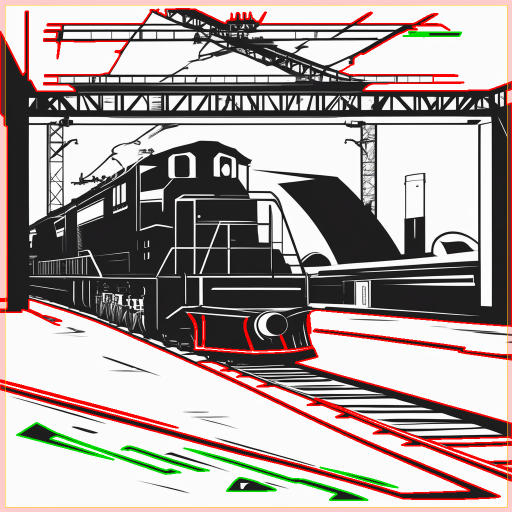

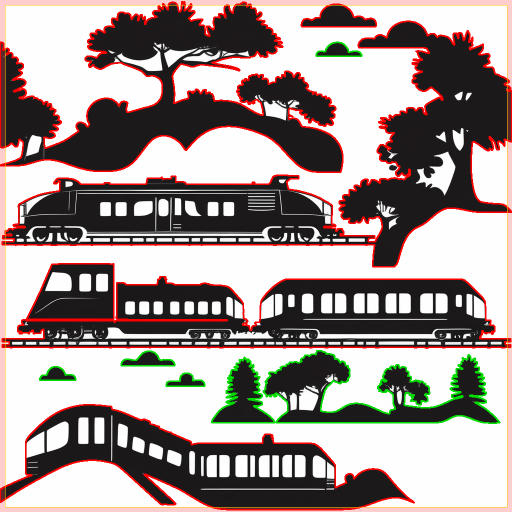
The surviving images go through an image-to-image pass as the base to generate similar-but-distinct variations, which consistently produce better outputs than text-to-image alone. Again ending in a computer vision filter pass and manual review.
Then Illustrator vectorizes the approved rasters, with contrast and threshold values adjusted dynamically based on line weight and black-to-white ratio in each image. The resulting SVGs get cleaned and optimized, thumbnails are generated, and a preview image is assembled pulling the first six illustration thumbs as a 3x2 grid.

Finally, a local LLM writes the metadata: a title, six variations of a description (so I can pick the best ones), and a rich taxonomy of tags — parent categories, sibling relationships, related subjects. That structured JSON gets pushed to WordPress via the API, uploading all the SVG files and drafting a full page with ACF fields pre-filled. I go to the live site, review, and hit publish.
The whole process isn't a single script you run end-to-end. It's a chain of stages, each started manually, each producing a folder of approved or rejected files that feed the next stage. In a full eight-hour session, I can take two to four keywords from blank to published.
The design decisions that weren't about code
One color. That was the first major design constraint I locked in — single-color silhouettes only. Multi-color vectorization adds enormous complexity at every stage: more generation failures, harder contour detection, messier tracing. Choosing one color made the whole system more workable and, as it turned out, made the output more coherent as a product.
For the site itself, I didn't want to spend time on branding while the pipeline was still being figured out. But a black-and-white illustration site looks unfinished. I pulled Tailwind's color palette and quickly tested a few options. A dark slate ended up doing exactly what I needed — high contrast for the illustrations, without the coldness of pure black. The thumbnails use a faint blue background to lift them off the white page.
I briefly considered assigning a distinct color to each collection — the kind of visual organization you see on most stock vector sites. It looked fine. But the monochromatic approach had something those sites don't: a coherence that made the whole library feel intentional, avoiding the wild variation in style and quality that stock sites suffer from sourcing content across hundreds of contributors. What started as a technical constraint had quietly become the site's identity.
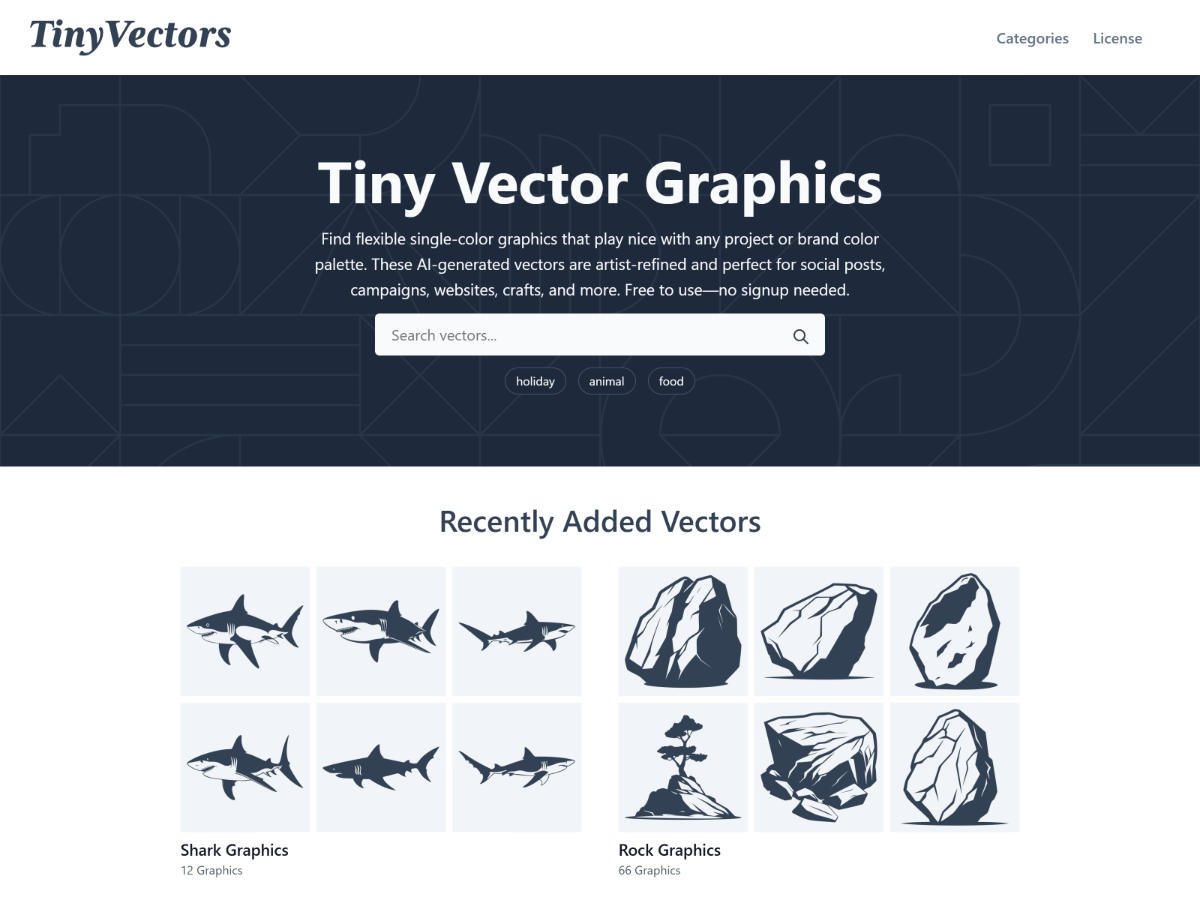
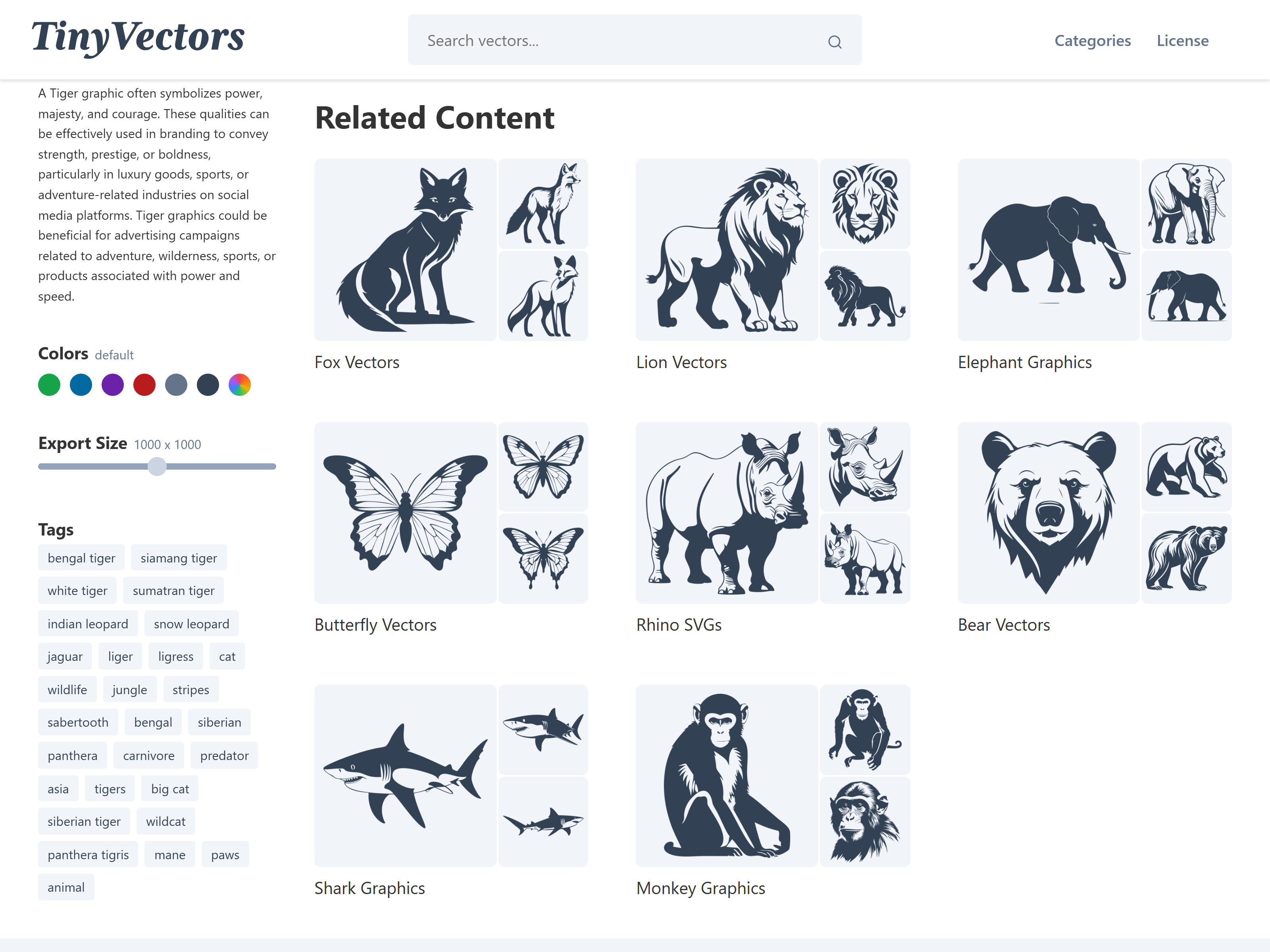
The site architecture is built around the LLM-generated taxonomy. WordPress's taxonomy system links pages through shared tags, so searching for "elephant" surfaces related sets — other zoo animals, safari animals, four-legged mammals — without any manual curation. The tagging quality from the local LLM made that work.
The related content is calculated once at upload time and stored with each set, so there's no runtime overhead when a page loads. The algorithm works across a few tiers of signal — collection tags and keywords carry the most weight, with search tags and descriptions contributing less. In the site's current state, with a relatively small library, the related sets are functional but not yet compelling. That improves naturally as content grows; more sets means more overlap, and the weighted matching has more to work with.
Where it stands
There are 52 keyword sets live on TinyVectors.com, each with roughly 10-50 illustrations per keyword. The site gets about one to two unique visitors a day. Organic search has started registering impressions, even without much promotion beyond a few directory listings. If I ran the pipeline at a keyword a day, the math suggests it could grow into something real.
I paused it for a practical reason: running Stable Diffusion XL through hundreds of generations heats up my room noticeably. Summer in Providence made that untenable.
The system works, and that's the part that matters. The pipeline exists. I can start with a keyword and end with a published set of vector illustrations, reviewed by a human, but generated, filtered, vectorized, optimized, and uploaded entirely by machines. The steps for improving it are clear: refine the steps to improve efficiency such as making a custom LoRA trained on the best outputs so far, and eventually a single script that chains all the stages together.
This is one of the first projects where I felt comfortable leaning on AI-assisted coding because the pipeline ran locally, limiting the risk. The front end was WordPress, a platform I know well enough to audit. That set up created room to move fast without cutting the wrong corners. AI extends your reach quickly; experience tells you where it's safe to extend.